The free notes app that actually organizes your life.
Hierarchical folders, Markdown editing, full-text search, and tags - with the security stack most apps never bother with.
No ads. No tracking. Just your notes.
Get started free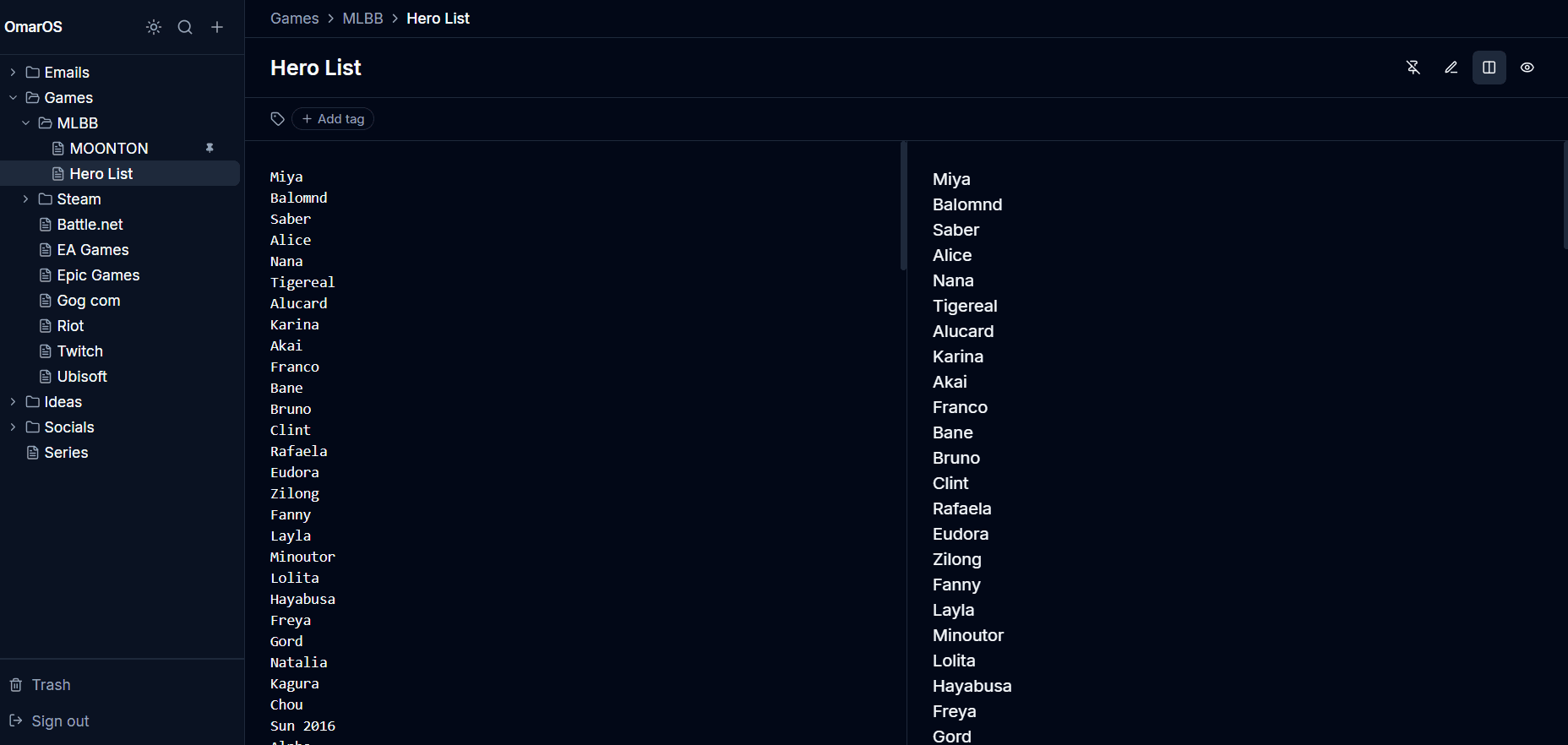
Infinite nesting
Folders inside folders, as deep as you need. Organize your notes exactly the way your brain works - not how an app thinks you should.
Markdown editor
Write in Markdown with a full formatting toolbar and live preview. Your notes stay readable forever - plain text, no proprietary format, no lock-in.
Tags & search
Tag notes across folders so one note can belong to many topics. Full-text search finds anything instantly across your entire library.
Pins & quick access
Pin your most-used notes to the top of the sidebar. The important stuff is always one click away, no matter how deep your folder tree gets.
Security at every level
Most note apps treat security as a checkbox. We built it into every layer.
Two-factor authentication
TOTP with any authenticator app, plus 8 one-time backup codes. Even if your password leaks, your notes don't.
Session management
See every device logged into your account. Revoke any session instantly - or kill all of them at once.
Email change alerts
Changed your email? Your old address gets an immediate alert with a one-click undo link. Valid for 24 hours.
Security audit log
Every sensitive action on your account is logged: logins, password changes, session revocations. Always know what happened.
Your data. Full stop.
- No ads, ever.
- No tracking or analytics on your notes.
- Export everything as JSON anytime.
- Delete your account and every byte of your data in one click.
How it works
Create
Start a note or folder anywhere in your tree. Write in Markdown with live preview.
Organize
Nest folders as deep as you want. Add tags to cross-reference across any structure.
Find
Hit ⌘K to search everything instantly - by title, content, or tag.
Why not Notion, Obsidian, or Keep?
They're all good tools. But they weren't built for this.
Notion
Powerful, but overwhelming. Databases, templates, and blocks when you just want to write a note.
Vault: Vault is focused. Notes and folders. Nothing you don't need.
Obsidian
Local-first means your notes live on one device. Setup requires plugins, sync costs extra.
Vault: Vault is web-based. Write on any device, everything syncs instantly, free.
Google Keep
No Markdown. No folders. No structure. Great for sticky notes, not for organizing knowledge.
Vault: Vault gives you real Markdown and infinite hierarchical folders.
Frequently asked questions
Is Vault really free?
Yes. Free forever, no credit card required, no premium tier. The full product is available to everyone.
Does Vault support Markdown?
Yes. Vault has a full Markdown editor with a formatting toolbar, live preview, and support for headings, bold, italic, code blocks, lists, and more.
Can I organize notes in folders?
Yes - with infinite nesting. Create folders inside folders as deep as you need. Drag and drop to rearrange anytime.
Is my data private?
Completely. No ads, no tracking, no analytics on your notes. You can export everything as JSON anytime, and delete your account and all data in one click.
Does Vault work in Arabic and other RTL languages?
Yes. Vault automatically detects right-to-left text and adjusts the editor layout. It's one of the few notes apps with proper RTL support.
Do I need to download anything?
No. Vault is fully web-based. Open your browser, sign up, and start writing. No app to install, no setup required.
What happens if I want to leave?
Export all your notes as JSON with one click. Your data is yours - always readable, no proprietary format.
A notes app that actually respects you.
Free forever. No credit card. No catch.
Start writing